

A camera or doorbell needs to fit more than a product description. Your entrance, installation and everyday use help determine whether it will work well for you.
A doorbell looks ideal on a product page. Then you stand at your own front door. There is a narrow frame beside it, visitors approach from the side and your existing chime is inside the hallway.
The useful question becomes much more specific: will this arrangement work here?
A product developed for many markets can be a good match. The next step is to check the exact version and the place where you will use it. A familiar name or a long feature list cannot supply all those answers.
The short answer
Start with your entrance and the job you want the product to do. Check the view and mounting space, the power and any existing chime, the connection at that location and the services available in your country.
Include the people who will use it and the people who may enter the picture. A private front door, a shared entrance and a shop doorway raise different practical questions. Local fit comes from answering those questions for the actual installation.
Start with the place where it will be used
Look at where a visitor stands and how they approach. Is the door set back? Is the available wall space narrow? Are there steps, a side approach or something that could obstruct the view?
Check the intended mounting position against the model’s instructions. An angled mounting piece may help where it is supported, but confirm that it is suitable and whether it is included or bought separately. A product fitting on the wall does not establish that its camera will show the person or area you need.
Try the available placement preview or an installation demonstration where possible. Look at the actual image, including relevant evening conditions. Consider bright light behind a visitor, nearby surfaces and the area immediately below the camera. Extra resolution does not correct a view aimed at the wrong place.
Different entrances. Different questions.
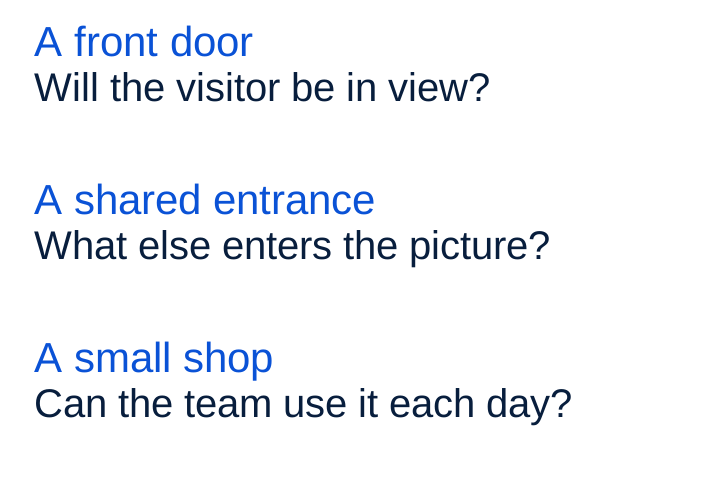
For a shared entrance, discuss the installation and recording arrangements with whoever manages that space. For a shop, include the people who need to answer visitors or review an event. The entrance belongs in the decision alongside the device.
Existing wires are only the start of a compatibility check
Replacing an ordinary doorbell with a video doorbell can involve more than reconnecting the same wires. The model’s power requirements, the existing supply, the chime and any required connector or accessory need to work together.
Check the exact regional model and its installation guide. If you cannot establish what the existing installation supports, have a suitably qualified installer assess it before choosing or connecting a replacement. A shared intercom or entry system needs its own compatibility assessment.
Also ask what a wired connection actually does. Some battery doorbells use wiring to help charge the battery; that is different from assuming the device runs directly from the wires in every condition. Confirm the supported power mode and what maintenance remains.
For a battery model, think about how you will reach it, remove or charge the battery and put it back. Check what is supplied in the box and which extra parts are required. Those details affect the installation as much as the headline features.
Match the product to the conditions
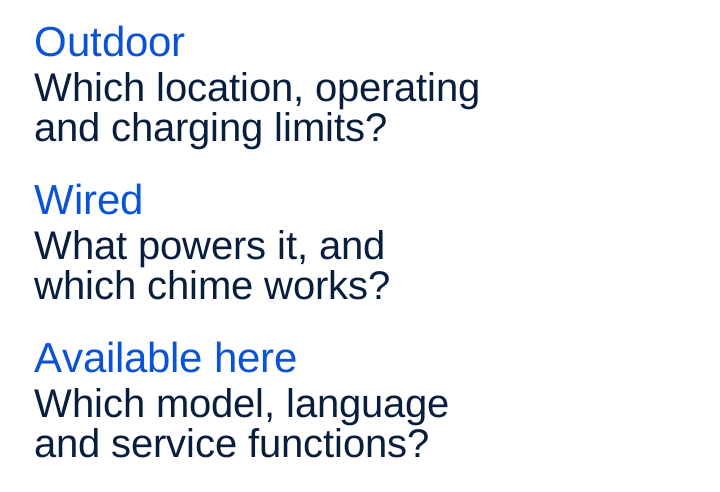
A sheltered porch and an exposed doorway can present different conditions. Read the stated protection, permitted installation locations and operating limits for the exact model. Check the requirements for its cable and power adapter too.
For a rechargeable battery product, check the charging limits separately from the operating limits. A device being able to operate in certain conditions does not establish that its battery can also charge in them. Ask what happens in the supported wired and battery arrangements.
Broad labels are useful starting points. Turn them into questions that the model’s instructions and confirmed configuration can answer.
Turn the label into a specific question.
Check the connection at the entrance
A good connection elsewhere in the building does not establish how the camera will work at the intended mounting point. Test there, using the product’s setup guidance. Check the video and the route you need for answering a visitor, rather than relying only on a Wi-Fi symbol.
Confirm which network requirements apply to the exact model and market version. Check any required indoor device and where it must go. If an extra chime, bridge or other accessory is proposed, ask which problem it solves and whether it is required for your setup.
Before buying a version sold for another country, confirm official support for your country, network and service. A matching plug or similar model name is not a complete compatibility check.
The app and service also need to fit
Local fit continues after installation. Can the people using the system understand its instructions, settings and error messages? Does the relevant app support their phones? Can the right household members or staff receive a call and use the functions they need?
Confirm the functions offered for that model, country, language and service plan. Availability can depend on the account and app as well as the camera. A feature shown on a global product page is a reason to check eligibility, rather than assume it is included in your version.
Ask who helps with installation problems, a changed router, a replacement part or a change of owner. Check the ongoing costs and support terms for the arrangement you are choosing. A useful answer describes the whole setup you will actually use.
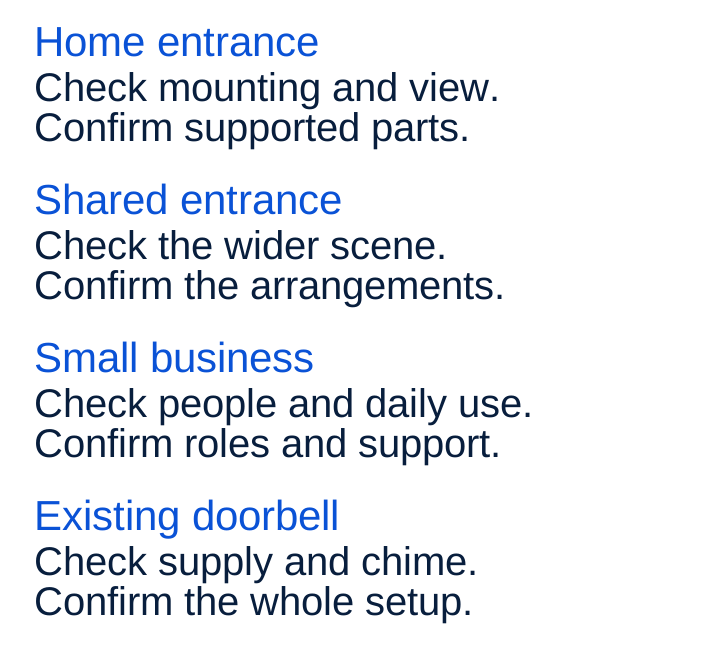
The examples below show how the first questions can change with the setting.
What is your setting?
What should “designed for this market” mean?
European homes and small businesses include many different entrances and ways of using them. Local design needs show up in practical choices: suitable mounting options, clear instructions, supported installations, understandable controls and useful support.
The recording context matters too. Your view may include neighbours, a shared landing, staff or public space. Check what you need to capture and the guidance that applies to your location and use. There is no single answer based only on the camera’s country of origin.
CE marking concerns the manufacturer’s declaration of conformity with applicable EU requirements. It is not a statement that a product was made in Europe. It also does not answer whether the mounting position, existing chime or chosen service fits your needs. Those are separate checks.
A manufacturer can work internationally and still take these local needs seriously. The useful evidence is in the supported configuration, instructions and experience at the place where the product will be used.
Write your own doorstep brief
Before comparing models, write down six things to discuss with the seller or installer:
- The place: where the device would go and how people approach it.
- The view: who or what you need to see, including the area near the door.
- The installation: available space, power, existing chime and any required parts.
- The conditions and connection: exposure, battery access and the network at that position.
- The daily use: who answers, which phones and languages they use, and the functions and support they need.
- The recording context: shared areas, other people in view and the arrangements or guidance that apply.
Use that brief to ask for confirmation of the exact model and complete setup. It gives you a more useful basis for choosing than a feature list alone, and something concrete to check when the product is installed.